Updated July 26, 2026
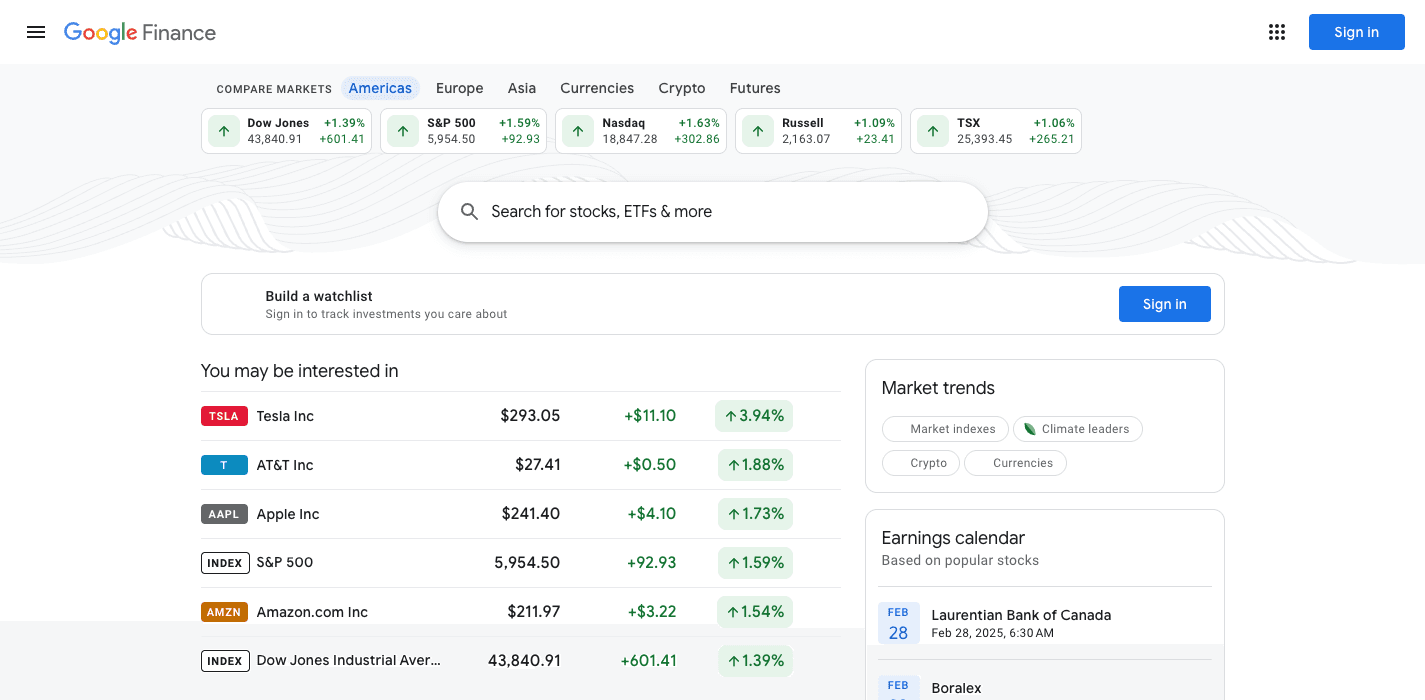
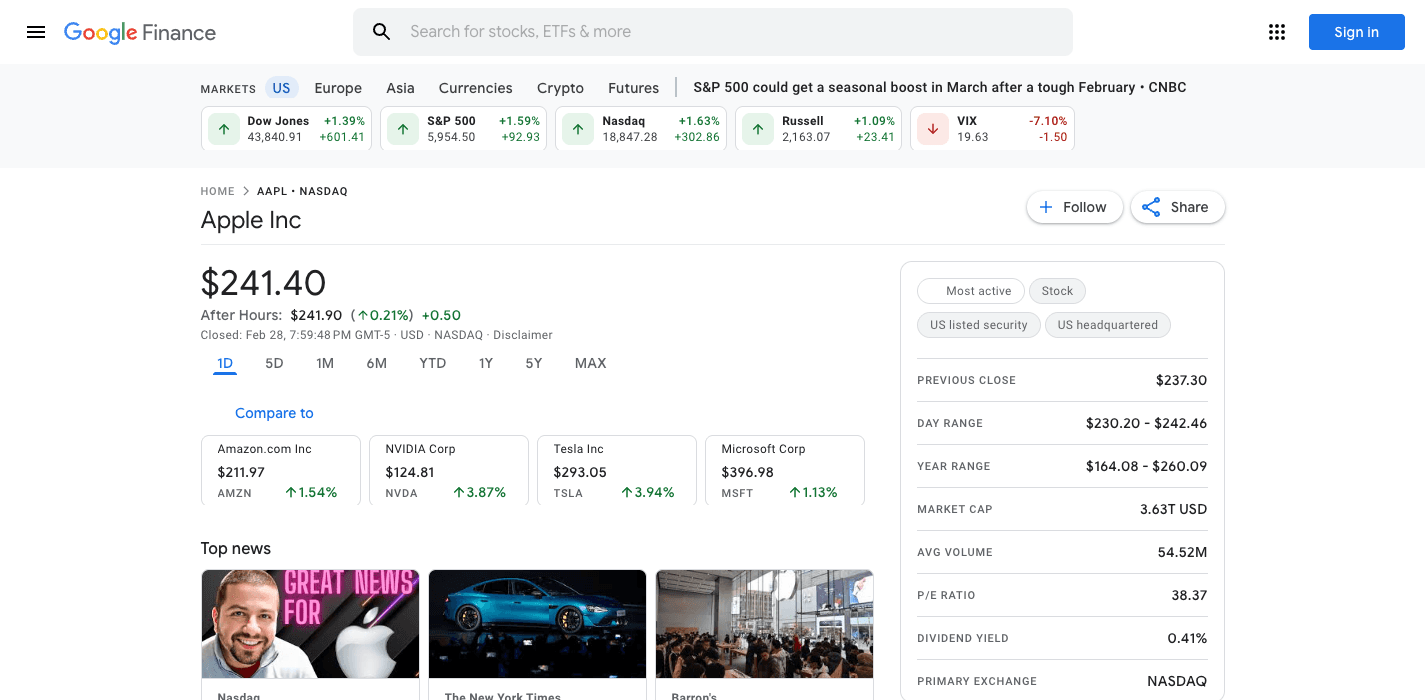
If you opened Google Finance and found your portfolio stripped of its history, you are not alone. The July 2026 redesign migrated portfolios to a new, simplified system. Longtime users report that sorting, detailed transaction histories, and cost basis views did not survive the move.
This page explains what changed, what you can still export, and how Folivue is rebuilding classic-style portfolio tracking.
What the redesign changed for portfolios
The new portfolios look similar at a glance but behave differently where it matters.
- Transaction-level history is no longer visible the way it was in classic
- Sorting and column controls that power users relied on are gone
- Holdings views show fewer numbers per row than the classic tables
- The portfolio data now shares the page with AI summaries
Protect your data now
If you still have access to your holdings in the new Google Finance, record them now. Copy your positions, quantities, and cost basis into a spreadsheet while the data is in front of you. Migrations have a habit of losing more over time.
Classic-style portfolios in Folivue
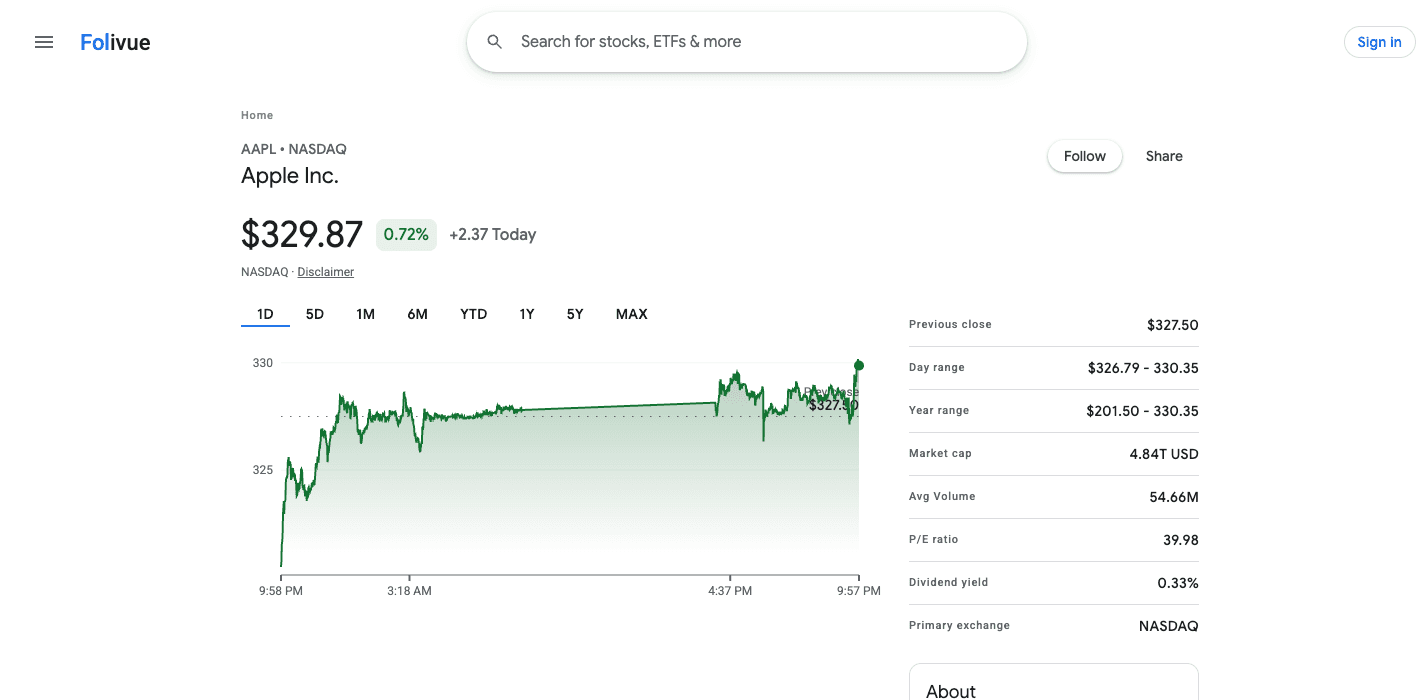
Folivue launches next week with watchlists in the classic table style. Portfolio tracking with transaction history, built to match the classic workflow, is the first item on the roadmap after launch. Waitlist members get it first.
Frequently asked questions
Did Google Finance delete my portfolio?
Portfolios were migrated to the redesigned system, not deleted. But users report the new system dropped transaction histories, sorting, and detail views that existed in classic.
Can I export my Google Finance portfolio?
There is no full export of the classic transaction history anymore. Record your current holdings manually while they are visible in the new interface.
Will Folivue support portfolios?
Yes. Watchlists ship at launch next week, and classic-style portfolio tracking with transaction history is the first post-launch feature.