Updated August 5, 2026
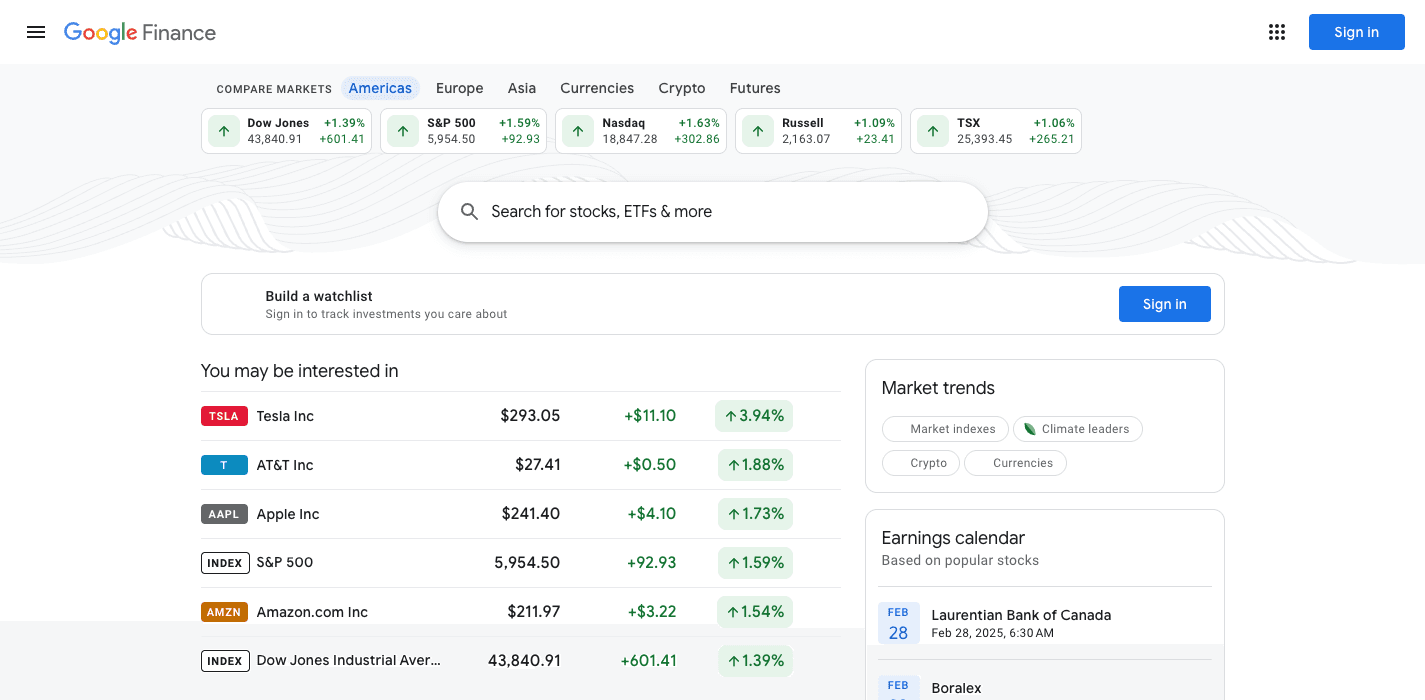
If you searched for the Google Finance classic view, you already know what happened. The link that used to say Switch to classic Google Finance quietly disappeared when Google Finance left beta on July 23, 2026. The AI-powered redesign is now the only version Google offers.
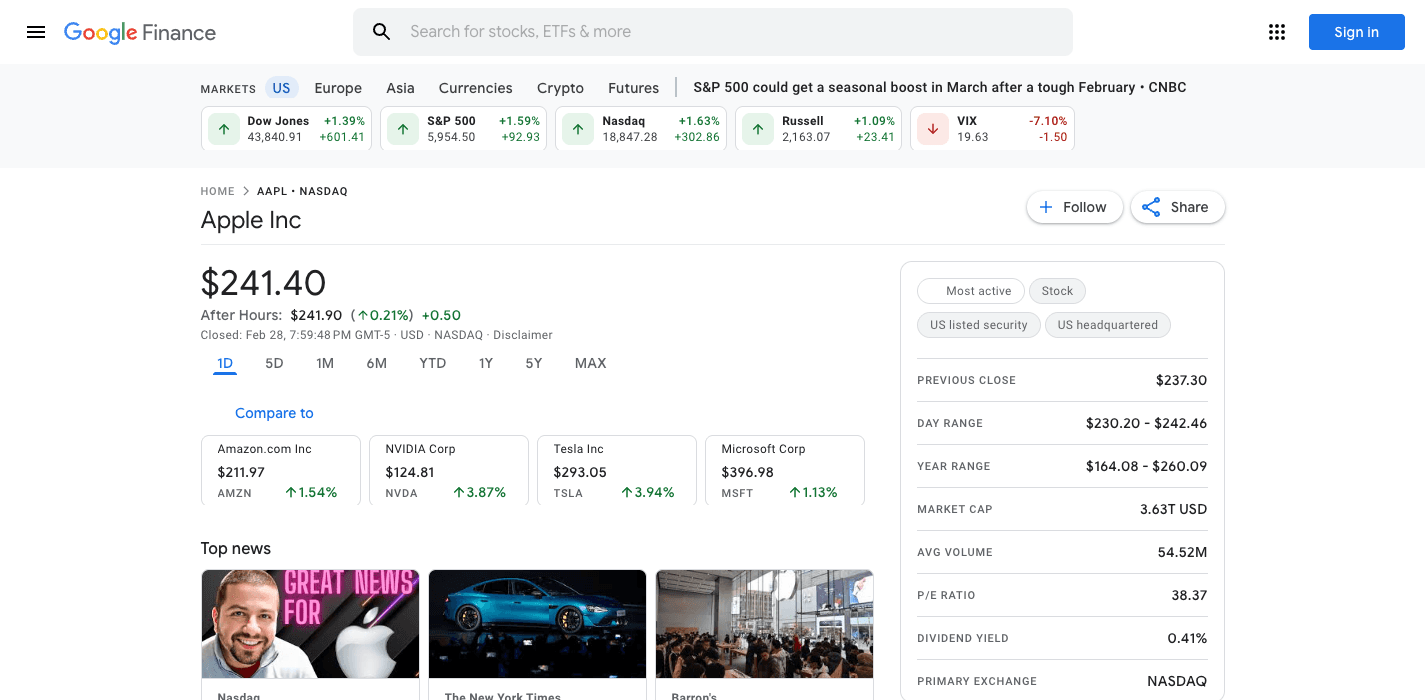
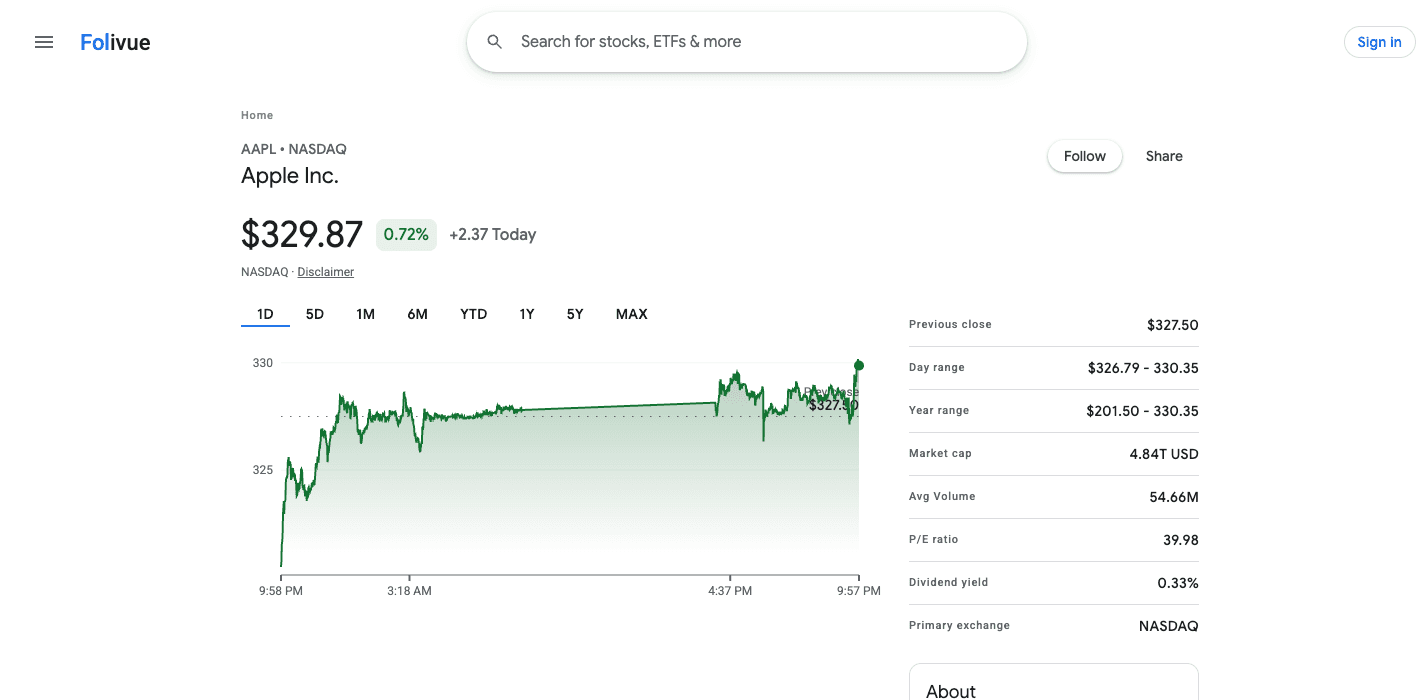
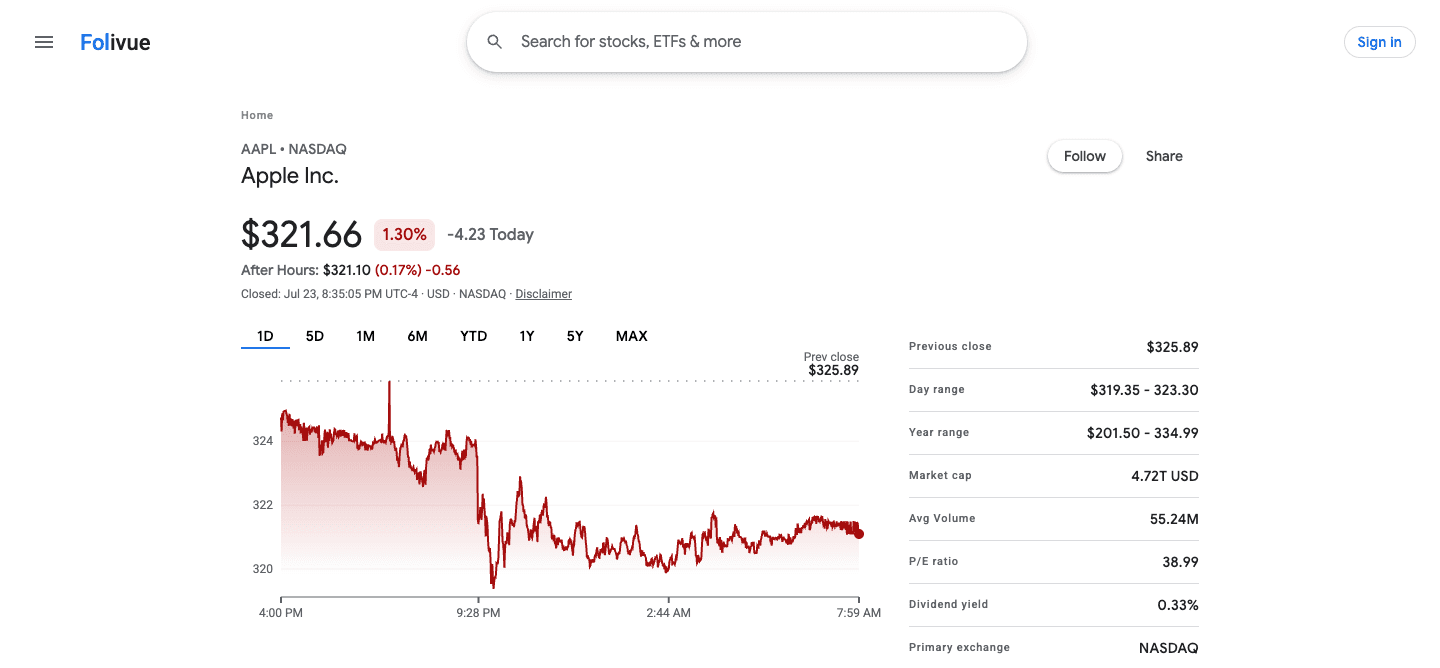
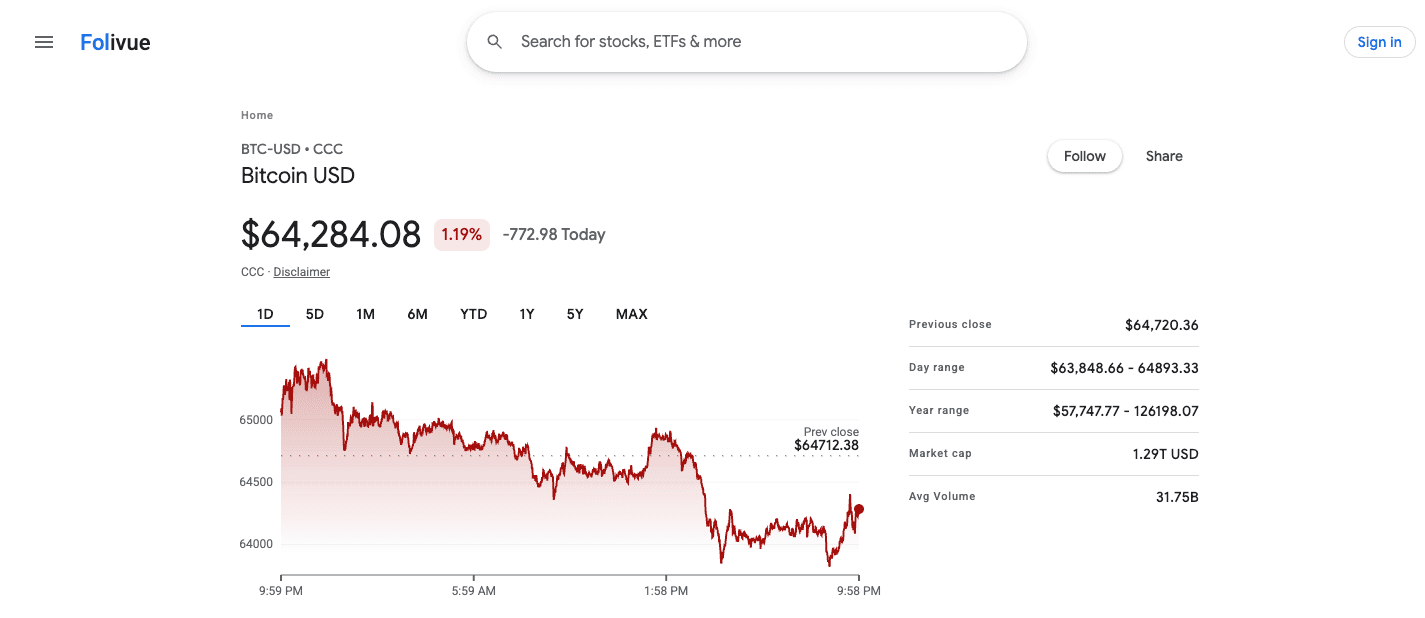
Whatever you call it, the classic view, the old version, the old design, the previous Google Finance, you mean the same page: price and daily change at the top, a fast chart, the dense two-column stats table, plain news underneath. This guide covers what happened to it, every workaround people have tried, and the one route that actually gets the page back.
Folivue is an independent project with one goal: bring the classic view back. Same layout, same dense quote pages, same fast charts, none of the AI layer. Early access is open: sign up with Google and you're in right away.
Can you still switch back? Every workaround, tested
No. The toggle was removed for everyone on July 23, 2026, and the switch happened on Google's servers, not in your browser. There is no setting, URL parameter, or browser trick that restores the classic view on google.com/finance.
We tested the workarounds circulating on forums. None of them restore classic.
- Old URLs like google.com/finance?classic: they redirect to the new version
- Clearing cookies or using incognito: the redesign is server-side, not a preference
- Changing your country or language: the rollout is global since April 2026
- Browser extensions that restyle the page: they cannot restore removed features like the old portfolios
- The Wayback Machine: static snapshots only, with stale data and broken links
What the classic view did better
The classic view put the data first. You typed a ticker, you got a price, a chart, and a stats table, all above the fold. No chat box, no generated summaries, no scrolling past AI answers to find the P/E ratio.
We read the forums, the petitions, and the reviews so we could rebuild the right things. The same features come up every time.
- A quote header with price, change, and after-hours in one glance
- The two-column stats grid: open, high, low, market cap, P/E, dividend yield
- Charts with volume, long history, and instant range switching
- Watchlists that read like a table, not a feed
- Portfolio tracking with transaction history and cost basis
- Related news attached to each ticker, without AI rewriting
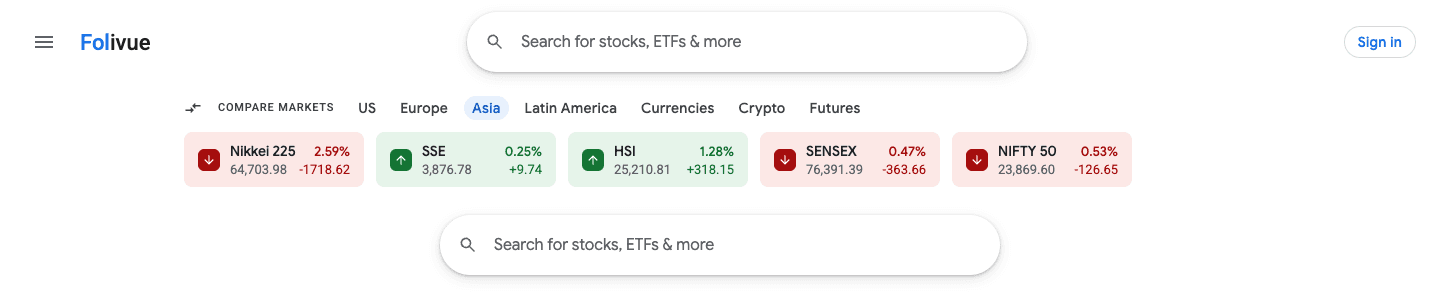
- Market indexes across the top, always visible
The anatomy of the classic quote page
The classic design followed a strict hierarchy. Price and daily change at the top, large and unmissable. The chart directly below, defaulting to one day. Then the stats grid, two columns of the numbers investors actually check. News at the bottom, in a plain list. Nothing competed for attention: the page answered the question you came with, in the order you would ask it.
Density was a feature. The classic layout fit roughly three times more data on screen than the redesign. Small type, tight rows, thin rules between values. You scanned it like a newspaper listing. The new version replaced that with cards, whitespace, and an AI summary that pushes the numbers below the fold.
A short history: 2006 to 2026
Google Finance launched in 2006 and settled, through years of iteration, into the design people now call classic: a white page, a blue chart, a dense table of numbers. It survived multiple Google redesigns because it worked.
The end came in stages. Google started testing the AI-powered replacement in the US in August 2025, with a link back to the classic design. The rollout reached more than 100 countries in April 2026. On July 23, 2026, Google Finance exited beta, shipped a dedicated app, and removed the classic toggle for everyone.
The petitions, and why Google will not undo this
Within days of the toggle disappearing, petitions on Change.org asked Google to restore the classic version, citing lost portfolio tools, transaction histories, and navigation. Google's product forums filled with threads titled go back to old version.
The pattern is familiar. Google retires a beloved design, users petition, Google moves on. Waiting for a reversal has not worked for Reader, for Inbox, or for a dozen other products. The redesign fits Google's company-wide AI strategy, and the classic experience survives only where someone rebuilds it.
How Folivue brings the classic view back
We rebuilt the classic interface from the ground up: the layout, the type scale, the chart style, the green and red you already know. Real market data underneath, with watchlists and portfolio tracking included.
What it keeps: the quote page hierarchy, the compact stats grid, the instant range switching, the watchlist table you can actually read. What it leaves out: the AI layer. No generated overviews, no chat prompts, no summaries between you and the numbers. If you could do it in classic, our goal is that you can do it in Folivue.
Frequently asked questions
Is the Google Finance classic view still available anywhere?
No. Google removed the classic view toggle on July 23, 2026, when Google Finance exited beta. The AI redesign is now the only official version. Folivue is an independent rebuild of the classic view.
How do I switch back to the classic Google Finance?
You cannot on google.com. The toggle was removed in July 2026, and no account setting, URL, or flag restores it. Every workaround people share, from old URLs to cookie tricks, redirects to the new AI version. The working way back is a rebuild: Folivue recreates the classic page with live data.
Do browser extensions bring back classic Google Finance?
Extensions can restyle the new page but cannot restore removed functionality like classic portfolios or the old charts. They also break when Google updates the page.
Does the Wayback Machine work for the old Google Finance?
You can view static snapshots of old pages on archive.org, but they show stale data and nothing works. It is a museum, not a tool.
What was the previous version of Google Finance called?
Google's own interface called it classic: the link that disappeared said Switch to classic Google Finance. People also call it the old version, the old design, or simply the previous Google Finance.
Is there a petition to bring back old Google Finance?
Yes, more than one. Petitions on Change.org ask Google to restore the classic version, citing lost portfolio tools and navigation. Google has not restored it.
Is the classic view the same as the original Google Finance from 2006?
Not exactly. The original 2006 site evolved over the years into the design people call classic, and that classic design is what nearly everyone means by the old version. It is the version retired in July 2026 and the one Folivue rebuilds.
Is Folivue affiliated with Google?
No. Folivue is an independent product and is not affiliated with, endorsed by, or sponsored by Google. It recreates the classic layout that users miss.
How do I get access to Folivue?
Sign up with Google at folivue.com and you're in right away. No waitlist, no invite to wait for.
Is Folivue free?
Yes. Folivue is free to use, and early access is open, no invite needed.